100% Security
Instant Download 24/7
10+ Years of Service

Need Some Help?

All orders are provided by download and immediately upon ordering. More questions? If we're online, reach our to us on the Store Live chat located bottom right. Also see Questions and Answers. If we're offline, contact our Support team from the Contact Us page.

0 Reviews
$26.95
$69.95
Save 61%

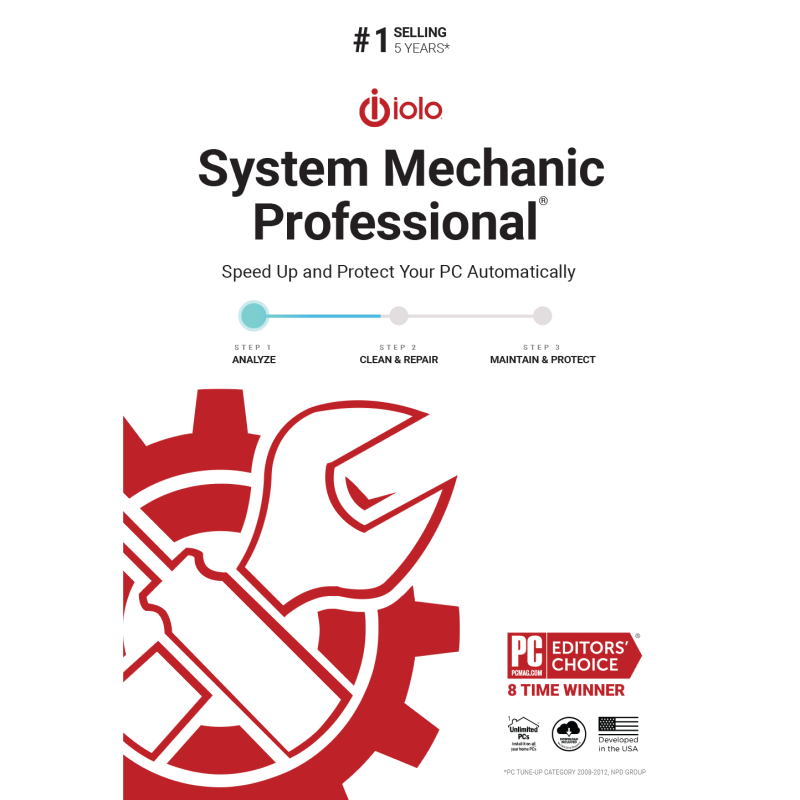
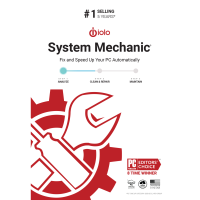
iolo System Mechanic Professional 26

includes a Whole Home 1-Year license for your entire family

Offer Ends

Need Some Help?

All orders are provided by download and immediately upon ordering. More questions? If we're online, reach our to us on the Store Live chat located bottom right. Also see Questions and Answers. If we're offline, contact our Support team from the Contact Us page.

+ login to earn points
Platform
Windows 10
Windows 11
Windows 7 (32 bit)
Windows 7 (64 bit)
Windows 8
Version
26
Manufacturer
Twitter
Last Updated
28 February 2026
Download Size
448.00 KB

System Mechanic Professional is an amazingly comprehensive tool that provides everything you'll need to clean, speed up, repair and secure your PC.

If your PC isn't performing, for instance, then System Mechanic will help you defragment your hard drive; optimise your Internet connection settings for faster downloads; defragment and compact the Registry; optimise the boot process by removing unnecessary startup programs, and get a temporary performance boost by closing down selected background processes.

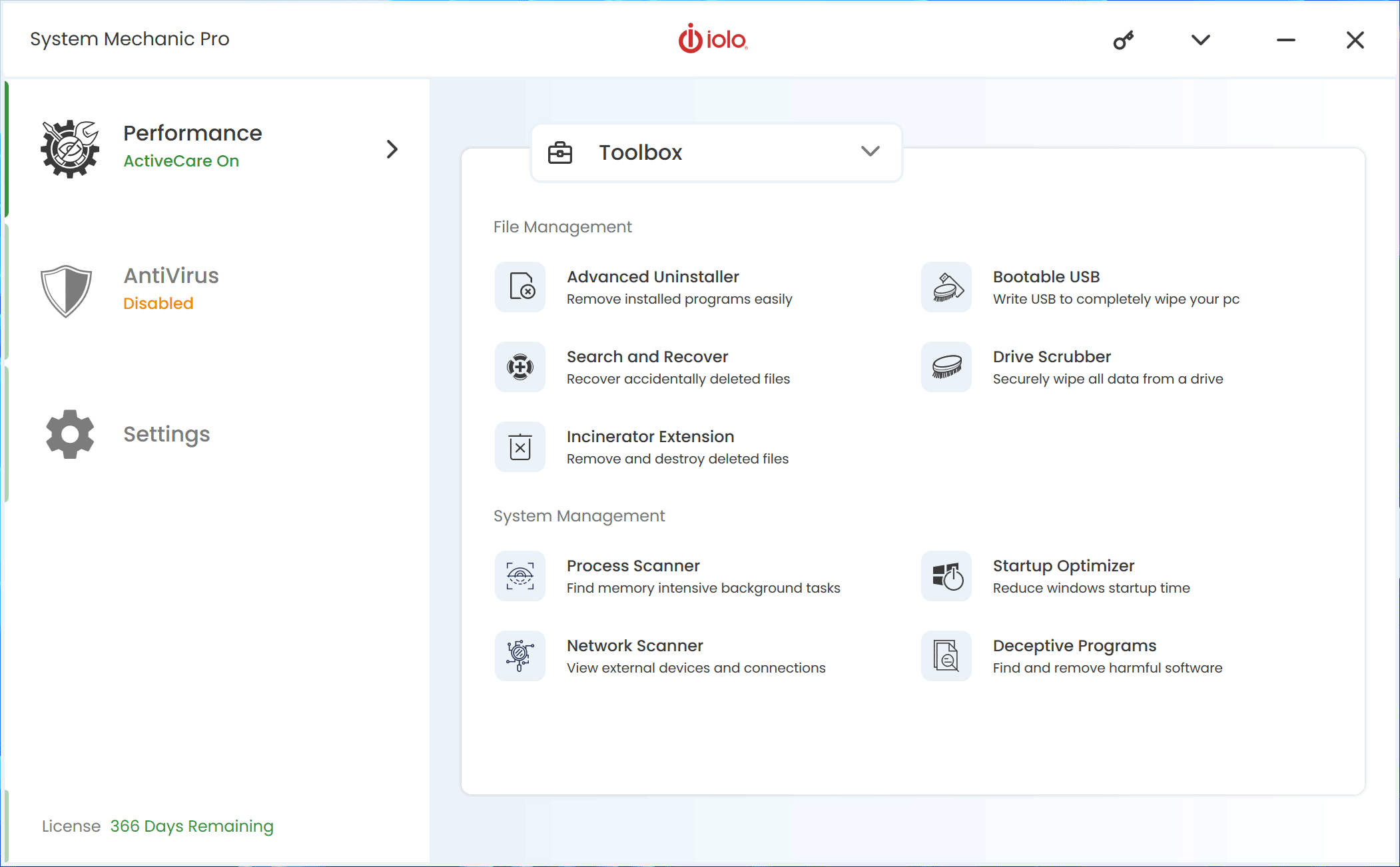
But this is just the start. There are tools here to defragment and compact the Registry; repair hard drive problems; enhance system security, locate unnecessary duplicate files, or recover from disaster if Windows won't boot. A Windows tweaking tool provided easy access to more than 100 key Windows settings, an Advanced Uninstaller completely removes apps to free up hard drive space - and you could still create a very capable maintenance suite from the other tools that we haven't had space to mention.

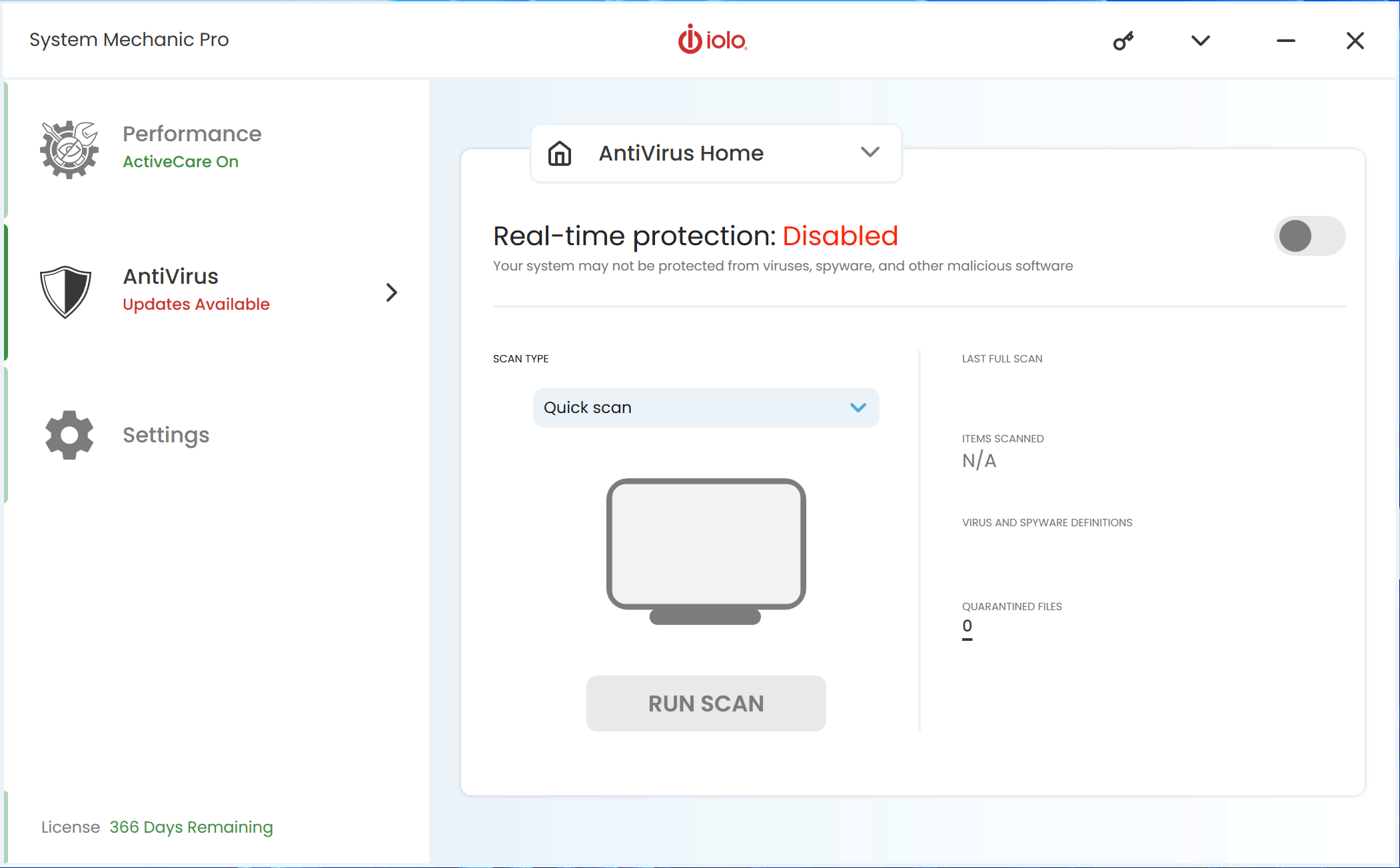
This Professional build of System Mechanic then goes even further, though. So you also get a complete antivirus and antispyware engine, which uses strong real-time protection to detect and block malware before it can damage your PC.

The package also includes a solid and reliable file recovery tool, that will restore accidentally deleted files, photos, music, documents, emails and more, from just about any drive or device.

And because occasionally you want to be sure that confidential data really has gone forever, then a secure deletion tool will quickly wipe the contents of a drive. Which means you can sell it without worrying that the buyer will be able to recover and view your usernames, passwords or other personal details.

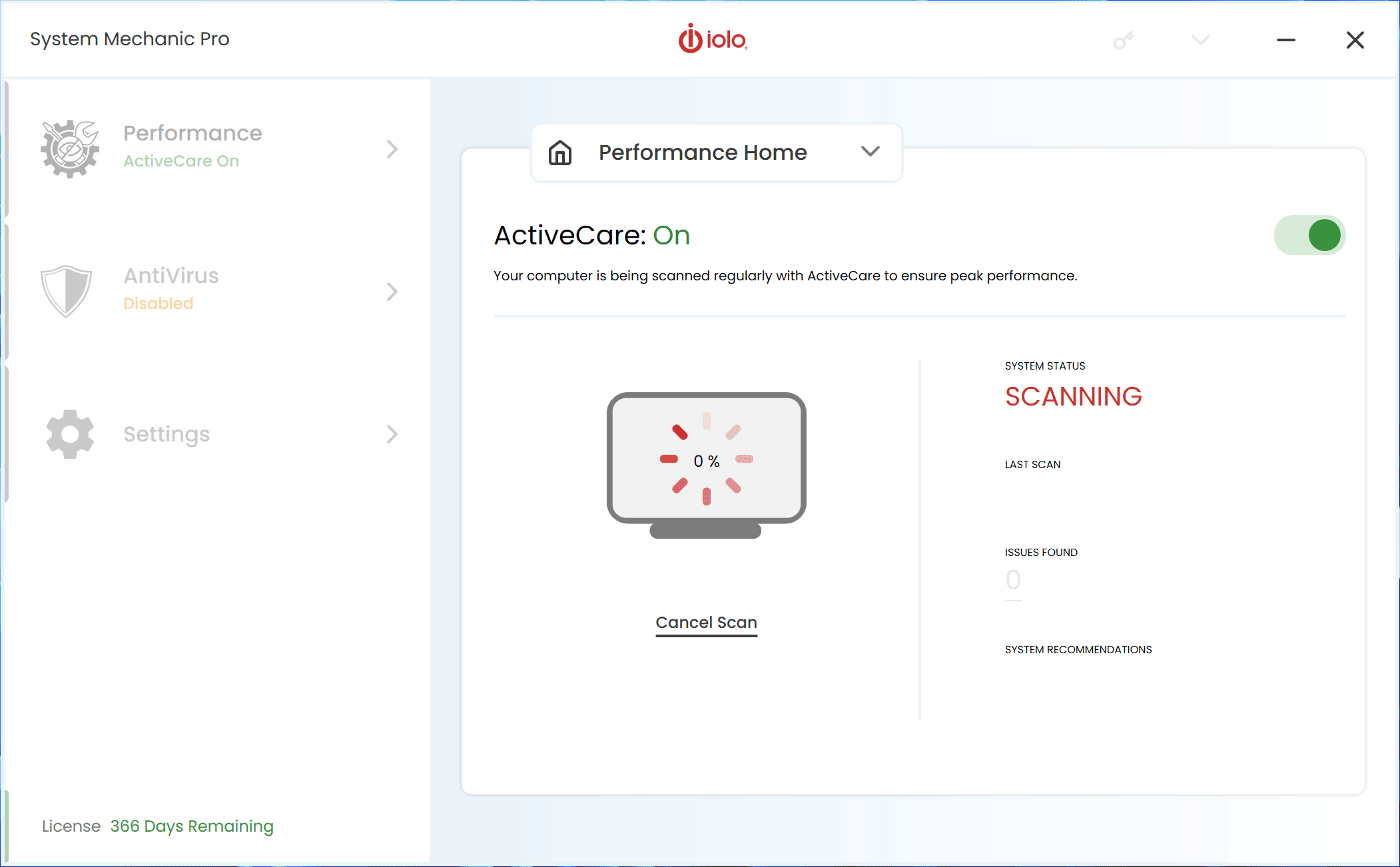
All this power doesn't make the program difficult to use, though. System Mechanic may have more than 50 performance-related tools and features, but it can also automatically scan for and locate any problems itself. If you want to zoom in on a particular area - disable this startup program, delete those junk files - then you're free to do so. But if you're in a hurry then you can just click "Repair All" and sit back as System Mechanic fixes everything, all on its own.

Whether you're a Windows expert or a PC novice, then, System Mechanic Professional has features which will appeal. But don't take our word for it: install the full-featured 30 day trial version, and find out exactly what this powerful suite can do for you.

Note that iolo System Mechanic Professional includes a Whole Home 1-Year license, which enables you to use it across every PC in your home, across every member of your family.

Review by Mike Williams.

Frequently Asked Questions

Find quick answers to the most common questions about our services and platform

How Do I Order Software?
Simply select the software you want to order by clicking the "Buy Now" button or, where the option exists, clicking on "Upgrade". The upgrade option enables you to upgrade from a previous version of the software. When you click "Buy Now" you will be taken to your shopping cart, powered by Cleverbridge, where you can choose a payment option and then receive your download and serial code within seconds, after making your payment.
What Is The Extended Download Insurance?
When you order software online, you receive a digital download and a serial code by email. You normally have 30 days from placing the order to download your software, if you need to download again in the future. You can choose to extend this to two years, enabling you to login to your account and find your download, serial code(s) and your original invoice. Ideal if you need to re-install your software, suffer from a system crash or buy a new PC. Simply had to the "My Account" section on this store - or any one of our worldwide stores - to access previous orders.
Do I Need A Backup CD?
No, although some people like to receive a copy of their software on a CD which they can store indefinitely. We provide a backup CD for some applications in the store. For example, we can provide an official colour booklet and installation/backup CD for AVG and Kaspersky software ordered through the store. Some software suppliers, such as Nitro PDF and Paragon Software, will supply you directly with a backup CD if you include this with your order.
Why Are Some Prices Dynamic?
If you are based in New Zealand and you see prices in NZD, you may see a different price in your checkout than we advertise in the store. There's a good reason for this - software suppliers set their prices in USD, GBP and EUR, with NZD and other prices calculated based on the exchange rate and often between USD and NZD. Therefore some prices may be slightly cheaper or more expensive than the advertised price as the prices in the checkout are calculated, on-the-fly, from USD. This does not apply to customers in the EU, UK, US, Canada and Australia.
Why Was My Card Declined?
In most instances this will be due to fraud protection from your credit card provider. Although you have protection when you purchase goods, online, through your credit card, your company may decline a large order or an order made through an online store for the first time. If your card is declined, we suggest you speak with your card provider and/or your bank. You can also pay through PayPal, wire transfer or other payment formats.
Can I Ask For A Refund?
We strongly suggest you download and test trial software before placing your order. Trial software is provided to enable you to determine whether it's applicable for your system and meets your requirements. Once you are happy with your trial software, place an order. Digital downloadable software often cannot be refunded unless the order was placed in error. Activated software cannot be refunded as the code becomes the property of the customer and cannot be resold or reused. If you ordered in error or there is another problem with your order, contact PayPro directly for a refund.
Who Keeps Our User/Order Information?
Your transaction is between yourself and e-commerce providers PayPro. PayPro will NEVER re-use your information, pass on to a third party and will not contact you unless you contact them with a query. Your credit card information is not kept on file and is not stored by any third party. If you ordered Extended Download Insurance with your order, we retain basic information about your order on our secure server. This includes your name, email address (required to access your account), serial codes ordered and download links to your software. No-one has access to this information apart from yourself. This information is only available once you have registered your account using the email address you used to place the order.

Write a review

Find What You Need!
Payment Methods
Trusted Partners
Norton Kaspersky Avast Software Auslogics O&O Software McAfee
100% Security
Instant Download 24/7
10+ Years of Service