100% Security
Instant Download 24/7
10+ Years of Service

Need Some Help?

All orders are provided by download and immediately upon ordering. More questions? If we're online, reach our to us on the Store Live chat located bottom right. Also see Questions and Answers. If we're offline, contact our Support team from the Contact Us page.
0 Reviews
$25.00
$239.99
Save 90%

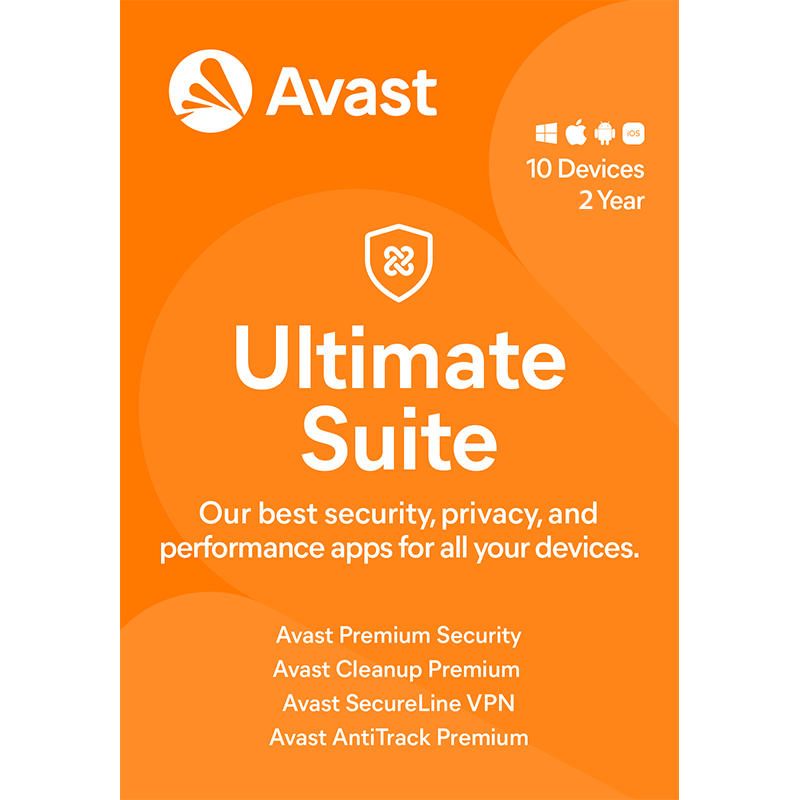
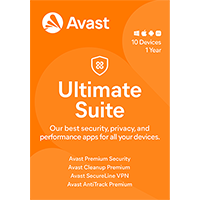
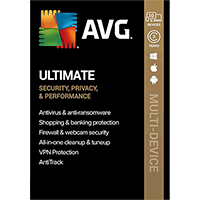
Avast Ultimate 2026 [10-Device, 2-YR]

includes a 2-Year subscription, for 10 devices

Offer Ends

Need Some Help?

All orders are provided by download and immediately upon ordering. More questions? If we're online, reach our to us on the Store Live chat located bottom right. Also see Questions and Answers. If we're offline, contact our Support team from the Contact Us page.
+ login to earn points
Platform
Android
iPad
iPhone
macOS
Windows 10
Windows 11
Version
2026
Manufacturer
Last Updated
28 February 2026
Category
Download Size
14.00 MB

Avast Ultimate 2026 is a one-stop collection of tools for cleaning, optimising and protecting all your PCs, Android devices and Macs.

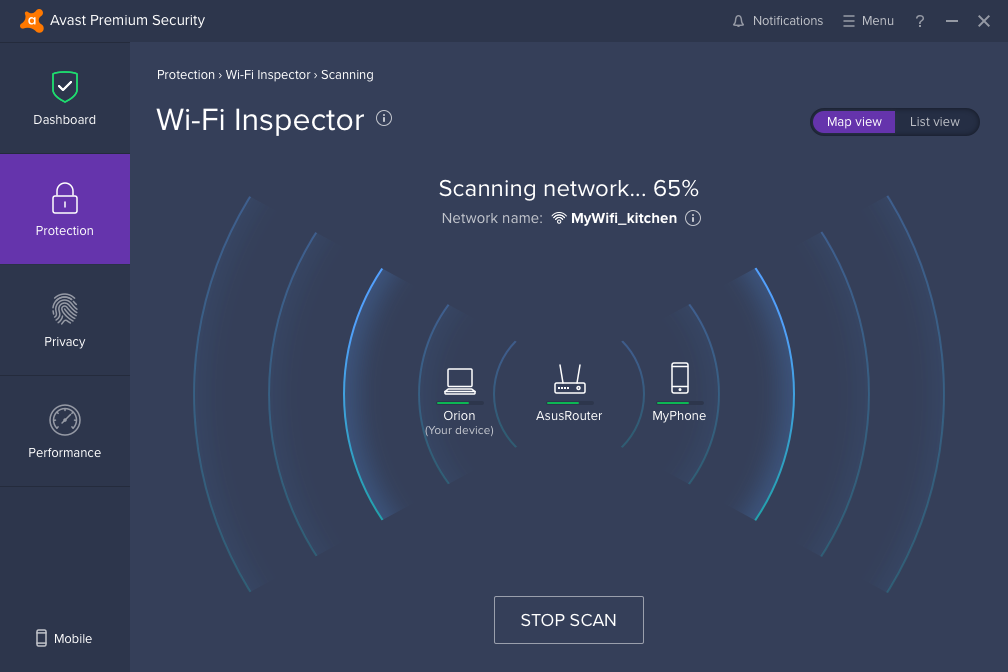
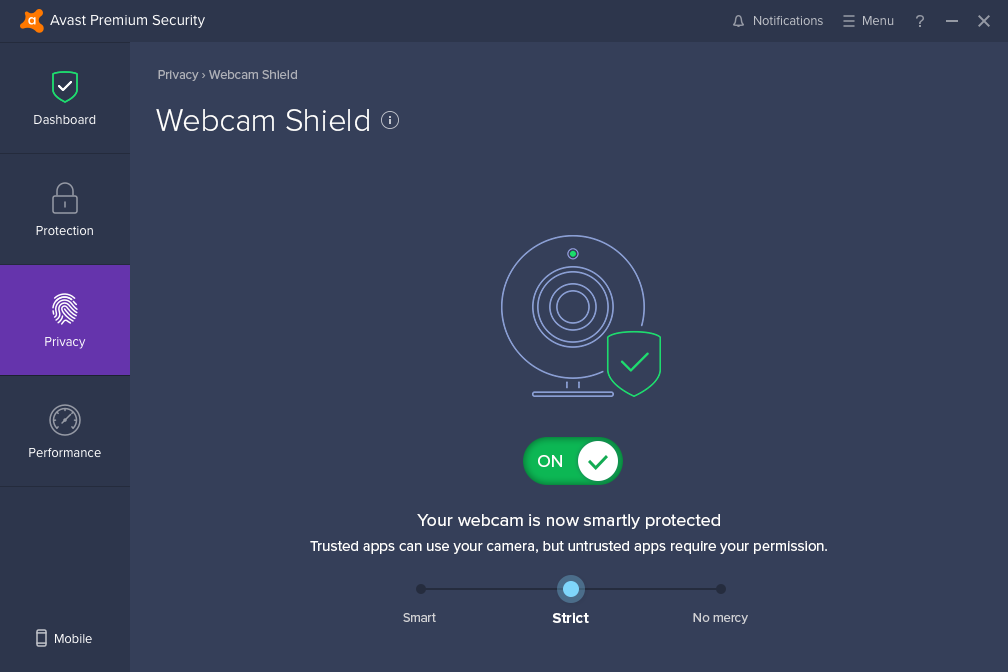
Avast Premium Security caters for all your PC needs. A powerful antivirus engine that detects and blocks even the latest malware, browsing protection prevents access to dangerous sites, while a firewall blocks network attacks. You also receive Avast Cleanup Premium, which is a complete system maintenance toolkit. This includes modules to give your system a boost, remove junk files, control your startup programs, clean and repair the Registry, extend battery life, update installed software and more, and just about everything can be left to manage your PC all on its own.

With the orevious 2025 launch was the inclusion of Avast SecureLine VPN, which will offer you a secure tunnel to the internet, changing your location, hiding your IP address and adding an additional layer of protection. This isn't a cut-down version of Avast SecureLine VPN either, so you're not restricted by traffic or device limitation.

With this 2026 edition, you now get AntiTrack which will block trackers as you surf the web, stop your personal online fingerprint and make your browing experience a more private experience.

For Android and iOS users, Avast Security Ultimate is similarly powerful. As well as the core antivirus and browsing protection, a stack of antitheft features allow you to remotely locate, lock or wipe your device, use the camera to take a shot of the thief, or have the device automatically lock if the SIM is replaced. Avast Security will keep your Android device in top working order, whilst Avast SecureLine VPN is also included so you can install a VPN on your mobile device.

For Mac users, Avast Premium Security and Avast Cleanup Premium are capable desktop tools with real-time antivirus protection, hard drive cleanup tools, a duplicate file finder and more. Avast SecureLine VPN will give your Mac a VPN which you can use to create a secure tunnel to the internet.

You're not restricted to using just one of these, or one per device: Avast's Ultimate licence covers 10 devices, so you can secure all your PC, Mac and Android hardware.

Includes a 2-Year subscription, for 10 devices you own.

Review by Mike Williams.

Frequently Asked Questions

Find quick answers to the most common questions about our services and platform

How Do I Order Software?
Simply select the software you want to order by clicking the "Buy Now" button or, where the option exists, clicking on "Upgrade". The upgrade option enables you to upgrade from a previous version of the software. When you click "Buy Now" you will be taken to your shopping cart, powered by PayPro, where you can choose a payment option and then receive your download and serial code within seconds, after making your payment.
What Is The Extended Download Option?
When you place your order, you might see an option for "Extended Download Option" in your shopping cart. After you order software online, you will receive a digital download and a serial code by email from PayPro. If you create a PCWorld Software Store account, you normally have 30 days from placing the order to download your software, if you need to download again in the future. You can choose to extend this to two years, enabling you to login to your account and find your download, serial code(s) and your original invoice. Ideal if you need to re-install your software, suffer from a system crash or buy a new PC. Simply head to the "My Account" section on this store to access previous orders.
How Do I Access My Order, After Ordering?
Your order will be emailed to you from PayPro. In addition, you can find your order in your store account for 30 days after ordering. You need a store account and, for security reasons, the email address used in the order, must match your store account email. Simply create a store account (if you haven't already) and login to find your order information. If you purchased 'Extended Download Insurance' you can find and access your order for up to two years from the date you placed your order, rather than the standard 30 days.
Why Are Some Prices Dynamic?
This store supports fixed pricing in USD, EUR, GBP, AUD, NZD and CAD currencies. If you purchase in USD or GBP the price on the store reflects the currency in your shopping cart. If you are based outside these currency regions, you can still order, but the currency will be converted from the fixed USD price. Alternatively, you could pay in USD and simply allow your card issuer to convert from USD to your local currency (although a small conversion fee may apply).
Why Was My Card Declined?

In most instances this will be due to fraud protection from your credit card provider. Most card companies require you to signup to "3D Secure" which will send a 6-digit code to your mobile phone and/or your email address to make sure it's you placing the order. This was designed to help prevent against online fraud, so card companies make sure you are the person paying for your goods by authenticating the transaction.

Although you have protection when you purchase goods, online, through your credit card, your company may decline a large order or an order made through an online store for the first time. If your card is declined, we suggest you speak with your card provider and/or your bank. You can also pay through PayPal, Google Pay, Apple Pay, wire transfer or other payment formats.

Can I Ask For A Refund?

We strongly suggest you download and test trial software before placing your order. Trial software is provided to enable you to determine whether it's applicable for your system and meets your requirements. Once you are happy with your trial software, place an order. Digital downloadable software often cannot be refunded unless the order was placed in error and the order remains completely unused.

Activated software cannot be refunded as the code becomes the property of the customer and cannot be resold or reused. If you ordered in error or there is another problem with your order, contact PayPro directly for a refund.

Who Keeps My Order Information?
Your transaction is between yourself and our e-commerce provider, PayPro Global. PayPro will NEVER re-use your information, pass on to a third party and will not contact you unless you contact them with a query. Your credit card information is not kept on file and is not stored by any third party. If you ordered Extended Download Insurance with your order, we retain basic information about your order on our secure server. This includes your name, email address (required to access your account), serial codes ordered and download links to your software. No-one has access to this information apart from yourself. This information is only available once you have registered your account using the email address you used to place the order.

Write a review

Find What You Need!
Payment Methods
Trusted Partners
Norton Avast Software O&O Software McAfee Adobe Microsoft
100% Security
Instant Download 24/7
10+ Years of Service