Microsoft’s recently updated backup tool for Windows 11 falls a long way short of what’s needed to protect your precious files (never mind system) from potential disaster. It leaves a huge gap for third-party backup tools, and one of the longest established options comes courtesy of EaseUS.
Ideally you need to protect both individual files and folders as well as your complete Windows installation – your settings, installed programs and so on – and EaseUS ToDo Backup Home promises to do both.
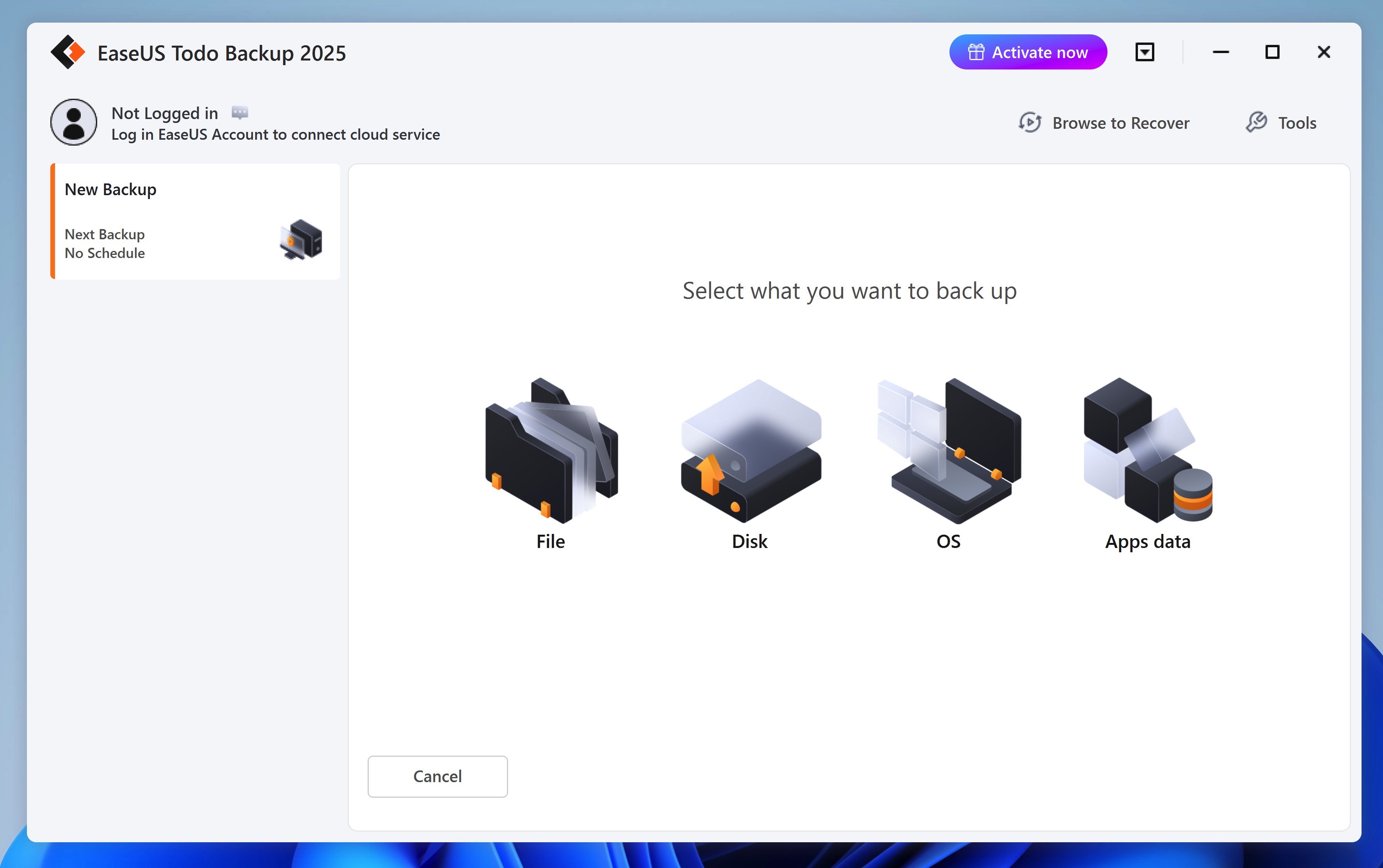
On launching the app, click 'Create Backup' to select one of four supported backup types: File, Disk, OS and Apps data. Each follows a logical wizard – start by choosing what to back up, from checked files and folders, drives (or individual partitions), your entire system (all the partitions required to restore Windows) or supported app settings.
Next, choose your destination – Todo Backup supports locally connected drives, EaseUS Cloud (separate subscription required), a NAS drive or 'Security Zone'¸ which is a specially created hidden partition on a backup drive to hide it from malware. Finally, either click OK to create your backup or select Options to access a range of additional settings.
These include compressing your backup to save space, encrypting it for security purposes, and setting up a backup schedule that supports full, differential and incremental backups to minimise the space taken up as your backups grow in number.
Elsewhere, the program has all the tools you expect from a good backup utility – the ability to create rescue media to recover a system or image backup in the event of disaster, plus an option to check your backup integrity for possible corruption. It also makes it easy to restore backups – either a complete backup or individual files and folders.
Note that this version sold here includes 'Lifetime Upgrades', but that's the lifetime of the original installation, not your personal lifetime! A lifetime license means you never pay a subscription fee, so this is a one-off purchase with free updates as and when they are made available from EaseUS.
includes a 1-PC lifetime non-expiring license.