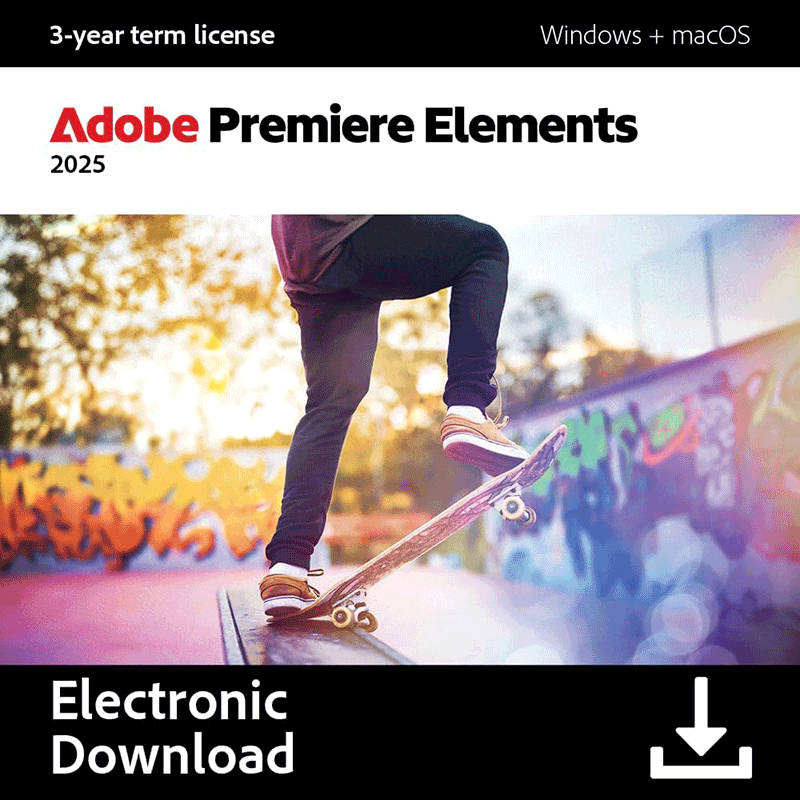
Adobe Premiere Elements is a capable, versatile video editor which makes it easy to enhance your movies with a host of professional effects.
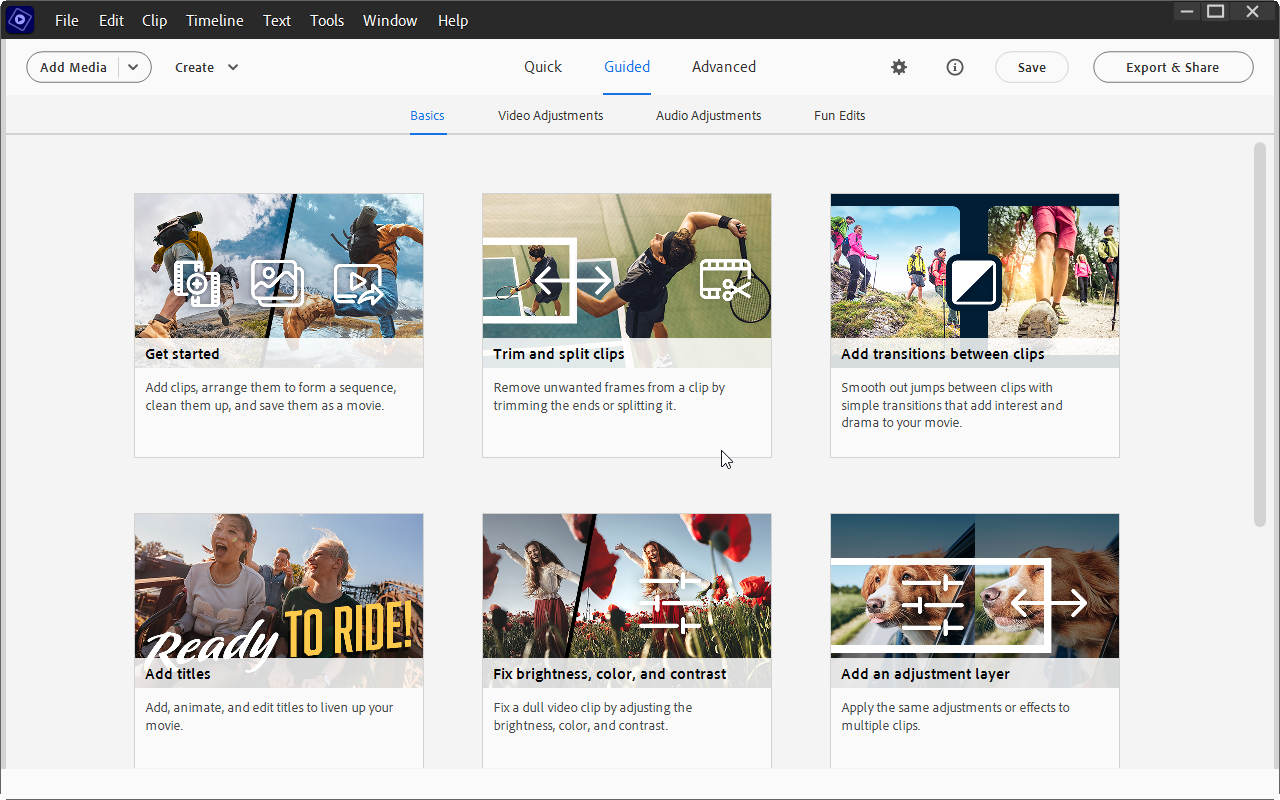
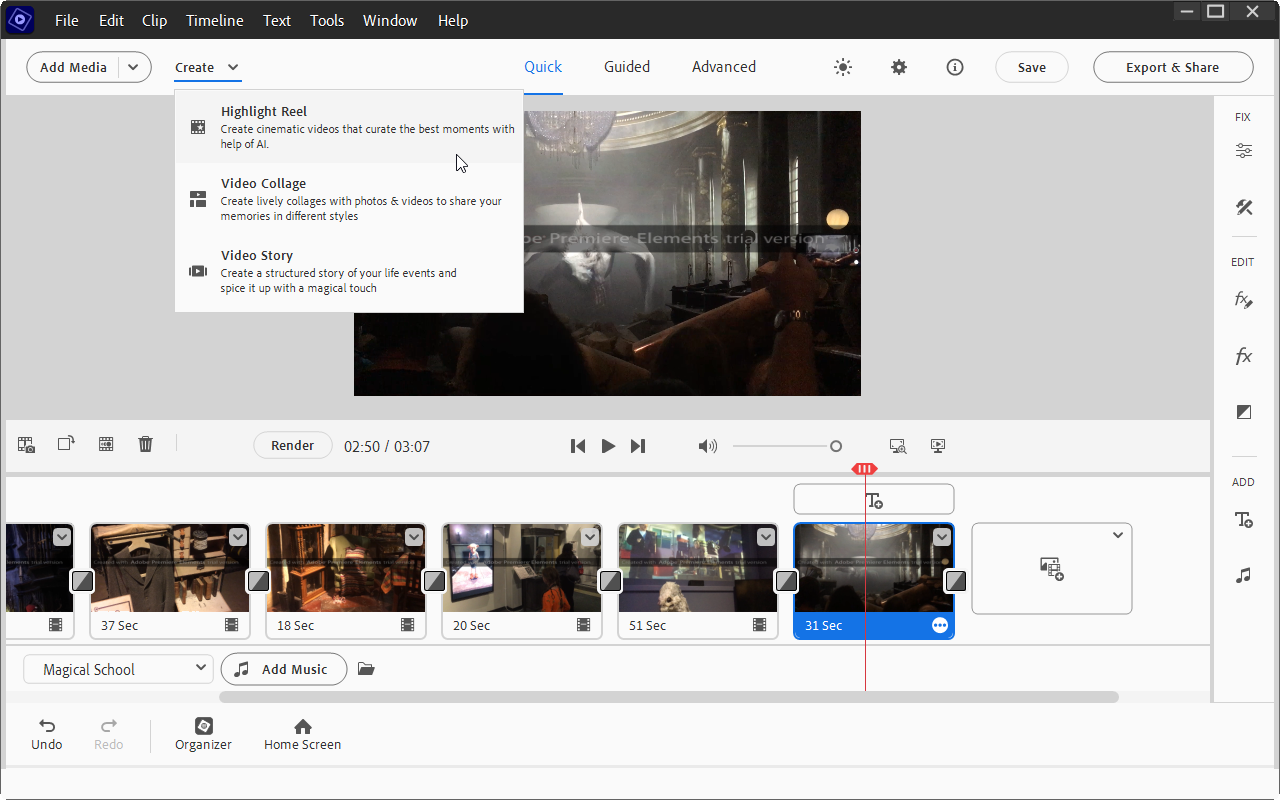
Use the Organizer to keep track of your source videos, while the editing environment supports both 'Quick' and 'Expert' views, depending on your level of expertise and experience. An increasing number of video effects make it easy to transform your videos too – and thanks to the Guided Edit tool, they’re simple to apply.
Recent notable improvements include GPU accelerated rendering makes it possible to playback effects without rendering them first, while cropping videos is faster than ever. Guided Edits now include a double exposure option (place a video inside a cut-out of a picture) and animated matte overlays, which can be applied to full videos, individual scenes or simply as transition effects.
Applying specific effects to just a selected portion of your video is now easy too, thanks to the 'Select object' tool. Elsewhere you’ll enjoy high quality and extremely configurable fast and slow motion effects.
It's also easy to share your finished work at Vimeo, as well as YouTube and Facebook.
And thanks to those Guided Edits, there’s not an awful lot of hard work involved, because the program handles most tasks itself. It can analyse your footage to find the best clips, for instance; automatically fix shaky camera work, colour and lighting issues; and add a soundtrack which automatically syncs with your scenes and then adjusts its length to precisely match your movie.
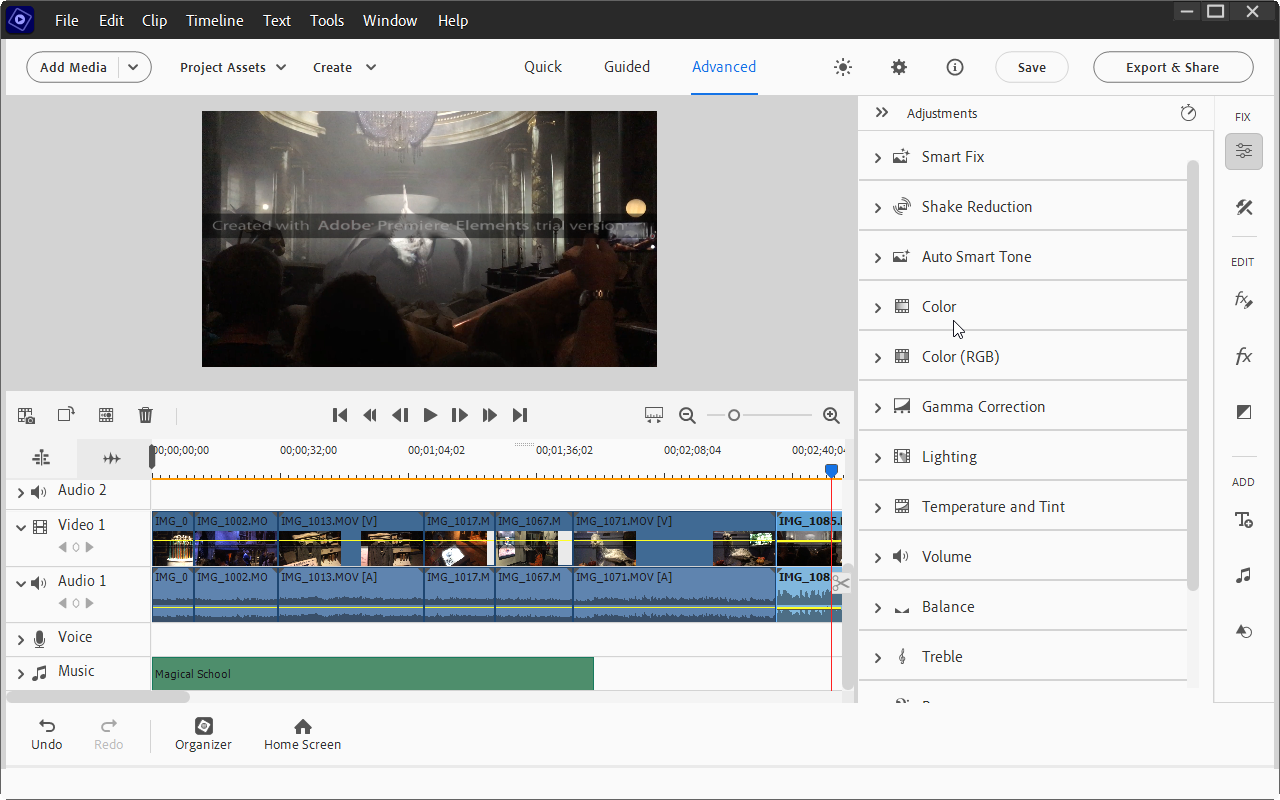
You don't have to give up control completely, of course. If you don't like Premiere's 'Smart Fix' video adjustment technology, say, you can manually tweak colour, brightness, contrast, exposure, temperature, tint and so on.
For the most part, though, this simply isn't necessary as Adobe Premiere Elements generally does a great job of enhancing your movies all on its own. And this all helps make the program an ideal choice for anyone who wants plenty of video editing power, but without the usual complexity you find in most of the competition.
Includes a 2-Device 3-Year license for Windows or macOS.