100% Security
Instant Download 24/7
10+ Years of Service

Need Some Help?

All orders are provided by download and immediately upon ordering. More questions? If we're online, reach our to us on the Store Live chat located bottom right. Also see Questions and Answers. If we're offline, contact our Support team from the Contact Us page.

0 Reviews
£79.99
£86.99
Save 8%

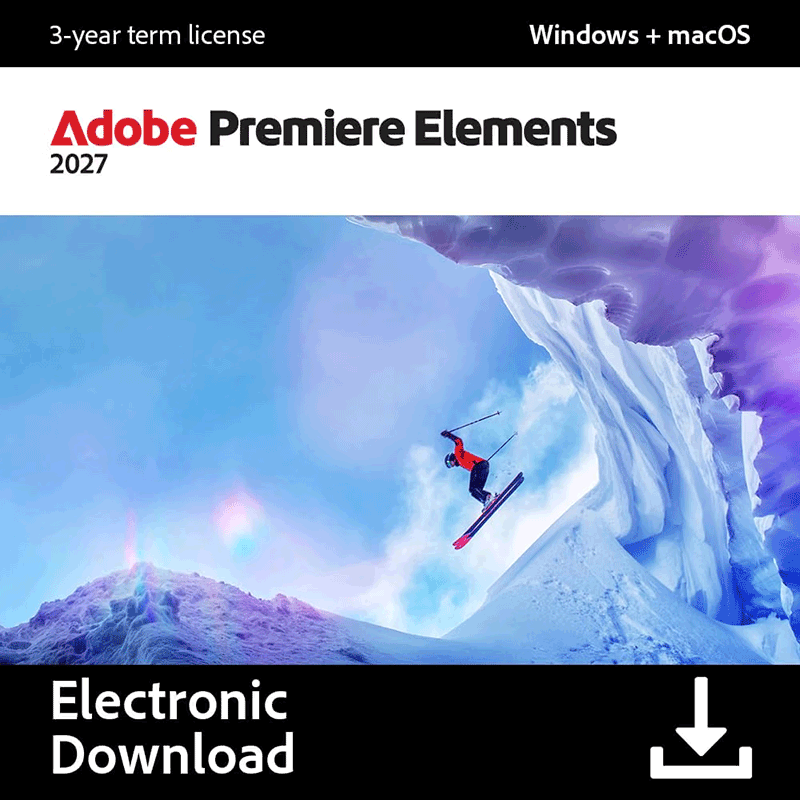
Adobe Premiere Elements 2027

includes a 2-Device perpetual license for Windows computers

Offer Ends

Need Some Help?

All orders are provided by download and immediately upon ordering. More questions? If we're online, reach our to us on the Store Live chat located bottom right. Also see Questions and Answers. If we're offline, contact our Support team from the Contact Us page.

+ login to earn points
Platform
macOS
Windows 11
Version
2027
Manufacturer
Last Updated
21 September 2026
Download Size
10.00 MB

Adobe Premiere Elements is a capable, versatile video editor which makes it easy to enhance your movies with a host of professional effects.

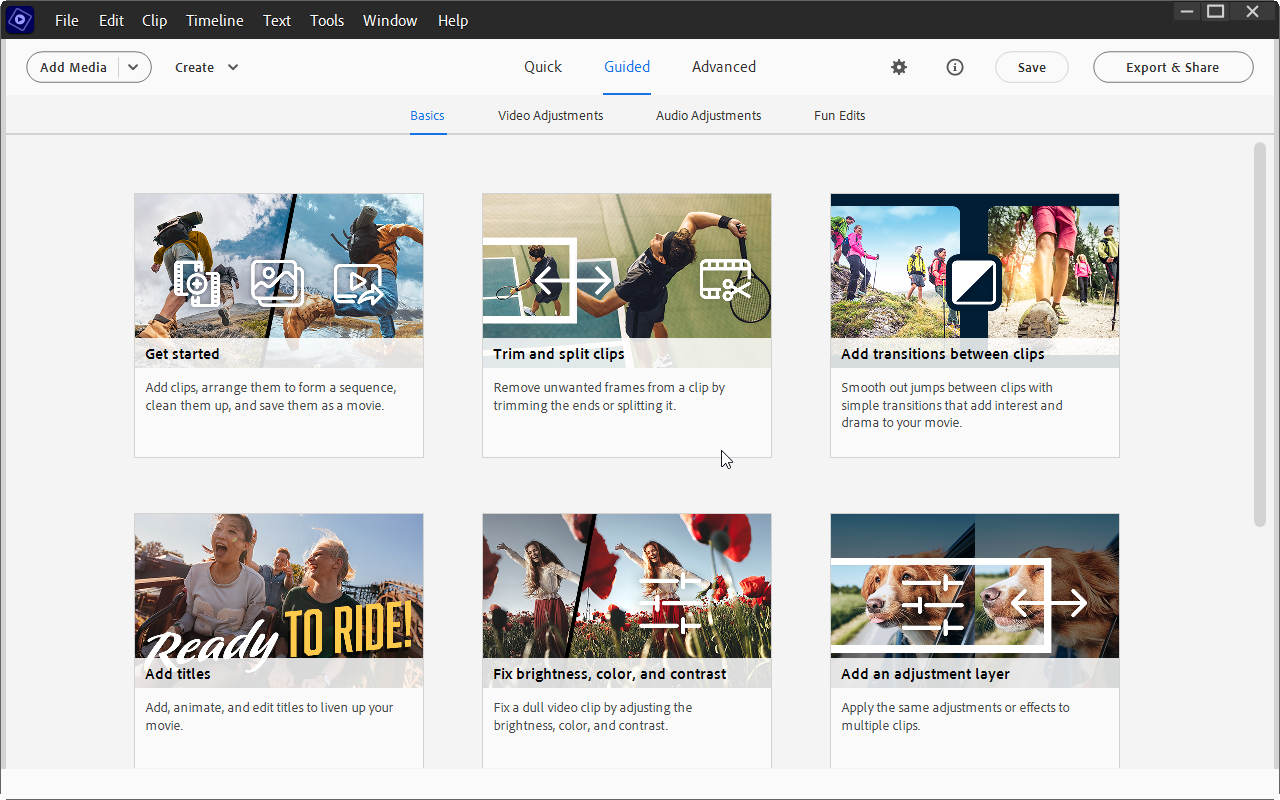
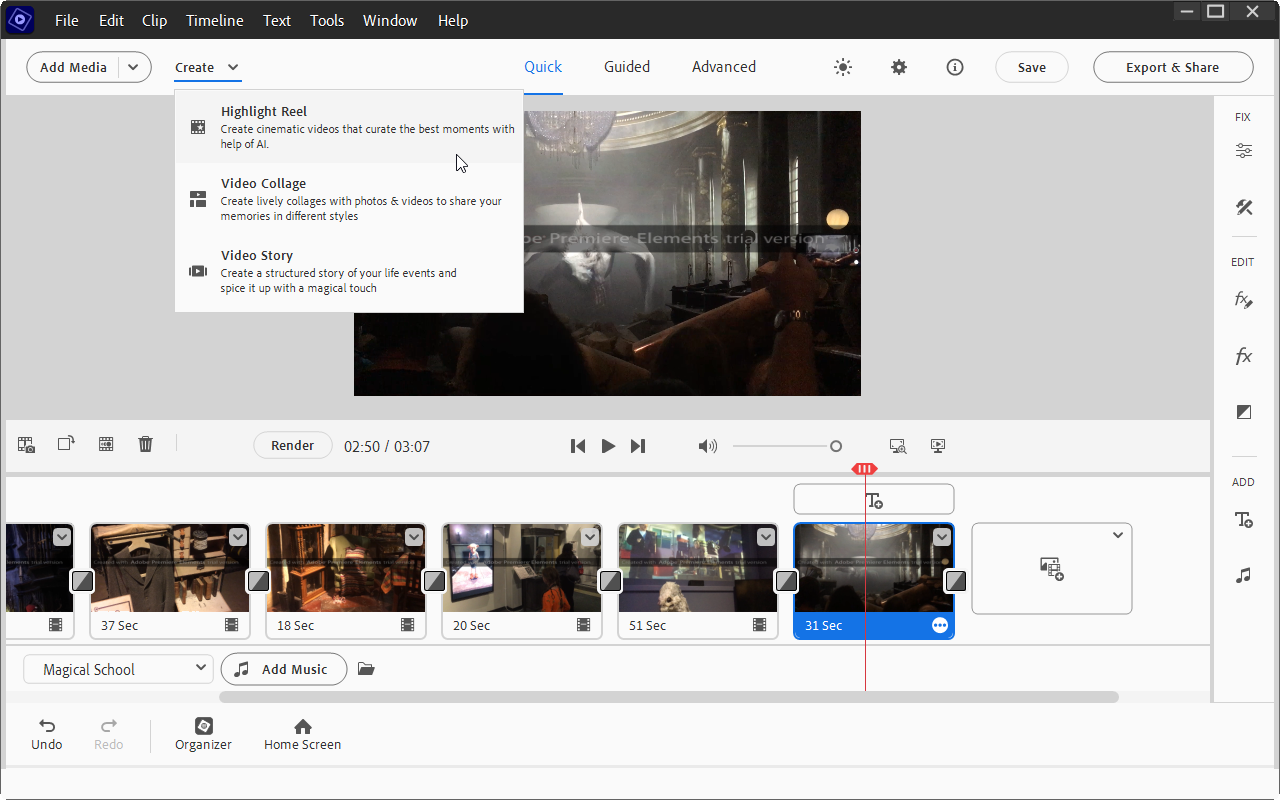
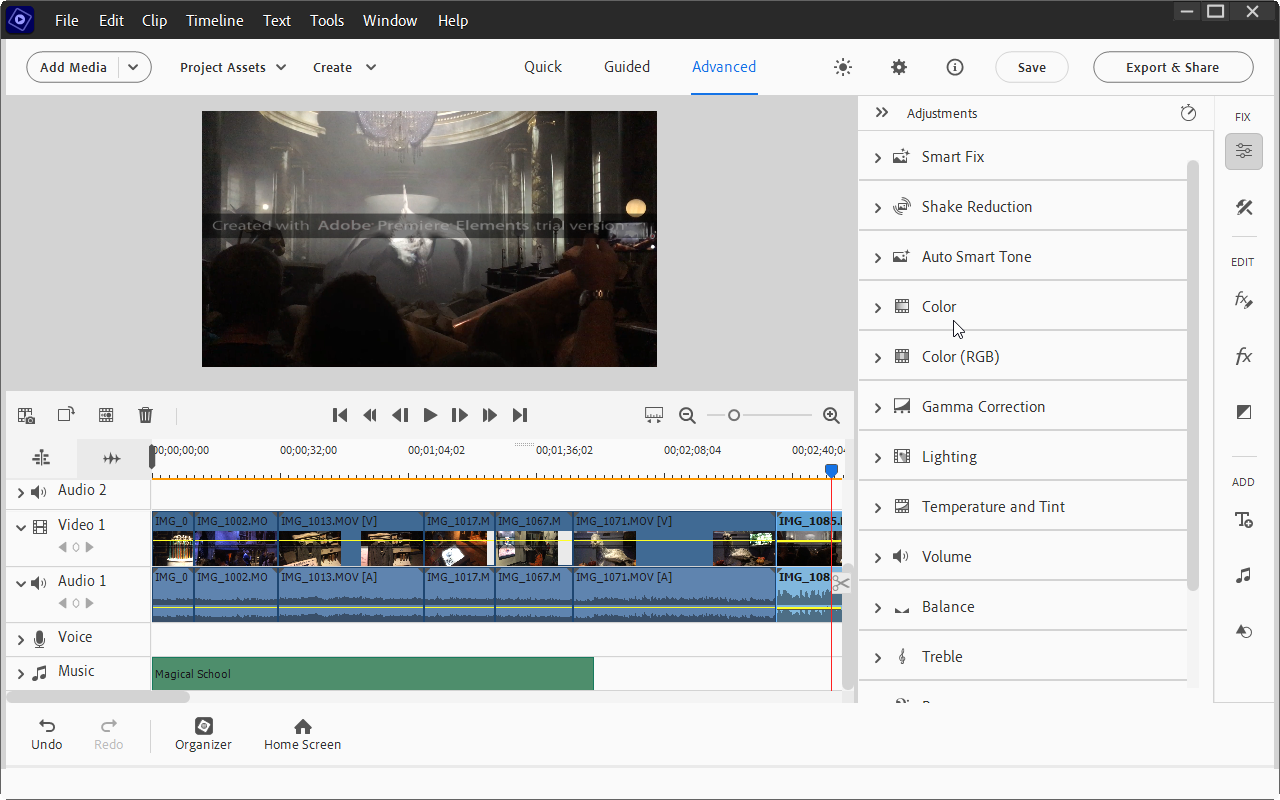
Use the Organizer to keep track of your source videos, while the editing environment supports both 'Quick' and 'Expert' views, depending on your level of expertise and experience. An increasing number of video effects make it easy to transform your videos too – and thanks to the Guided Edit tool, they’re simple to apply.

Recent notable improvements include GPU accelerated rendering makes it possible to playback effects without rendering them first, while cropping videos is faster than ever. Guided Edits now include a double exposure option (place a video inside a cut-out of a picture) and animated matte overlays, which can be applied to full videos, individual scenes or simply as transition effects.

Applying specific effects to just a selected portion of your video is now easy too, thanks to the 'Select object' tool. Elsewhere you’ll enjoy high quality and extremely configurable fast and slow motion effects.

It's also easy to share your finished work at Vimeo, as well as YouTube and Facebook.

And thanks to those Guided Edits, there’s not an awful lot of hard work involved, because the program handles most tasks itself. It can analyse your footage to find the best clips, for instance; automatically fix shaky camera work, colour and lighting issues; and add a soundtrack which automatically syncs with your scenes and then adjusts its length to precisely match your movie.

You don't have to give up control completely, of course. If you don't like Premiere's 'Smart Fix' video adjustment technology, say, you can manually tweak colour, brightness, contrast, exposure, temperature, tint and so on.

For the most part, though, this simply isn't necessary as Adobe Premiere Elements generally does a great job of enhancing your movies all on its own. And this all helps make the program an ideal choice for anyone who wants plenty of video editing power, but without the usual complexity you find in most of the competition.

Includes a 2-Device 3-Year license for Windows or macOS.

Windows:

Intel Core 8th Generation through Intel Core 15th Generation or equivalent AMD processor with AVX2 and SSE4.2 support; Windows on ARM processor not supported
Microsoft Windows 11 (version 23H2) or later, 64-bit versions only
8GB of RAM
7GB of available hard-disk space to install application; additional space required for downloading online content and for temporary files during product installation and usage
(cannot install on a volume that uses a case-sensitive file system or on removable flash storage devices)
1440x900 display resolution (at 100% scale factor); 1920x1080 or higher recommended
Microsoft DirectX 12 compatible sound and display driver
Windows Media Player (required if importing Windows Media files)
Internet connection required for product activation and download of features and online content

macOS:

Intel 8th Generation or newer processor; Apple silicon M1 or newer processor recommended
macOS 14 (14.4 or later), macOS 15 (15.5 or later)
8GB of unified memory
8GB of available hard-disk space to install application; additional space required for downloading online content and for temporary files during product installation and usage (cannot install
on a volume that uses a case-sensitive file system or on removable flash storage devices)
1440x900 display resolution (at 100% scale factor); 1920x1080 or higher recommended
Internet connection required for product activation and download of features and online content

Write a review

Find What You Need!
Payment Methods
Trusted Partners
Norton Avast Software O&O Software McAfee Adobe Microsoft
100% Security
Instant Download 24/7
10+ Years of Service